Professional Print Imposition Made Simple
The ultimate tool for print shops and designers
Create print-ready business cards, stickers, labels, and banners with precision crop marks, bleed settings, and professional layout tools. Automate your prepress workflow in seconds.
fe48aa1e5f1bfa49c6bdf50ed89f6e7a6d2536ceee93f274d009017768a4e86a
See It In Action
Watch how easy it is to create professional, print-ready files in minutes.
Powerful Features
Everything you need for professional, high-volume print production.
Precision Crop Marks
Professional crop and bleed marks generated automatically for accurate cutting and trimming.
Smart Layout
Automatic arrangement with customizable spacing, margins, and gutter optimization.
Multiple Formats
Export to PDF, PNG, JPEG, or TIFF with high-resolution output up to 600 DPI.
Custom Sizes
Native support for business cards, stickers, labels, flyers, and wide roll paper.
Live Preview
Real-time visual preview of your layout, bleed zones, and marks before generating output.
Secure Licensing
Reliable offline licensing system with hardware binding for peace of mind.
Gallery: See What You Can Create
Real examples of professional prints made with CutMarkPro
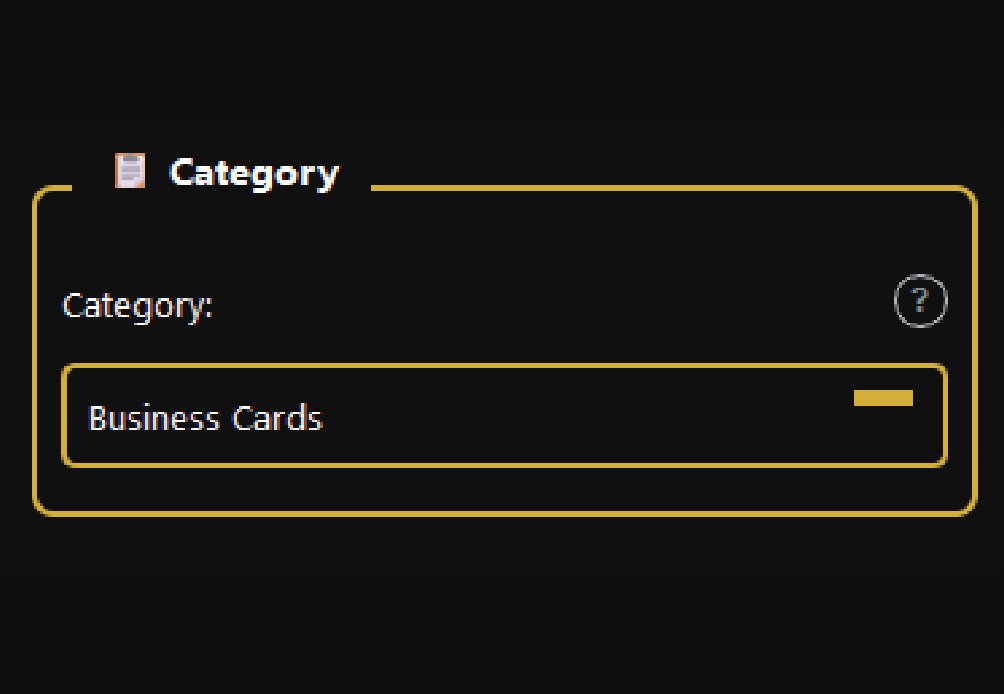
Category Selection
Filter available sizes by product group
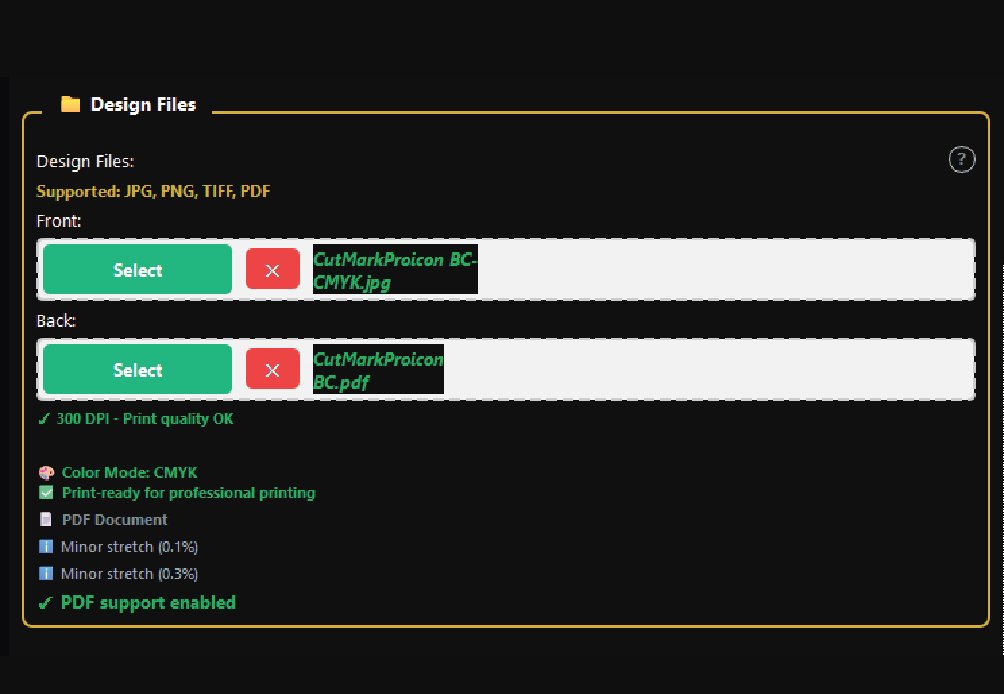
Design Files
Upload front and back artwork seamlessly
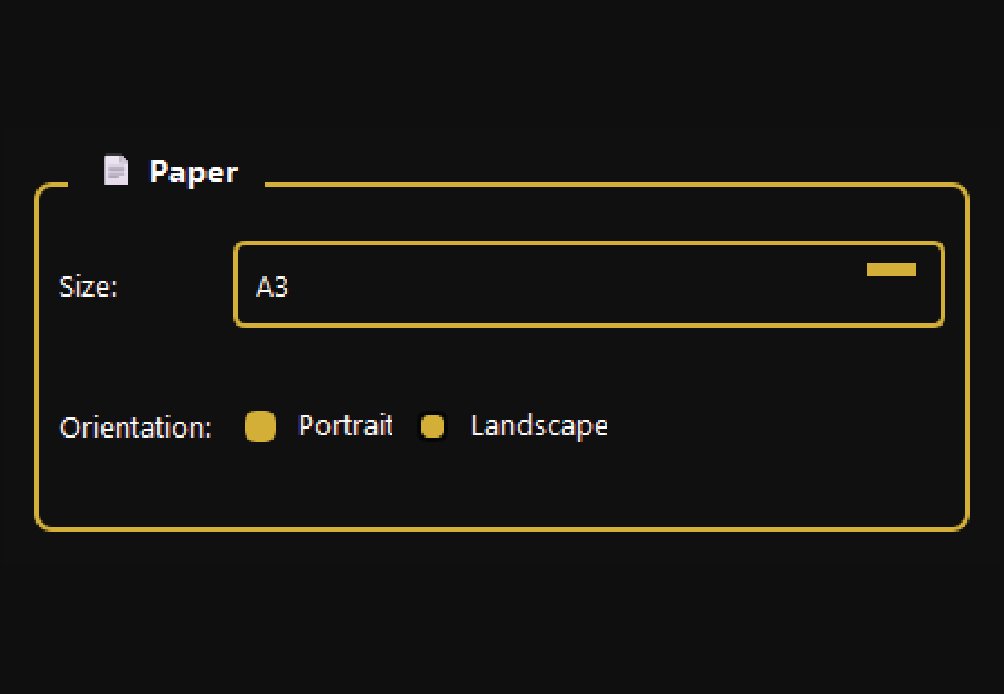
Paper Configuration
Select exact paper dimensions for printing
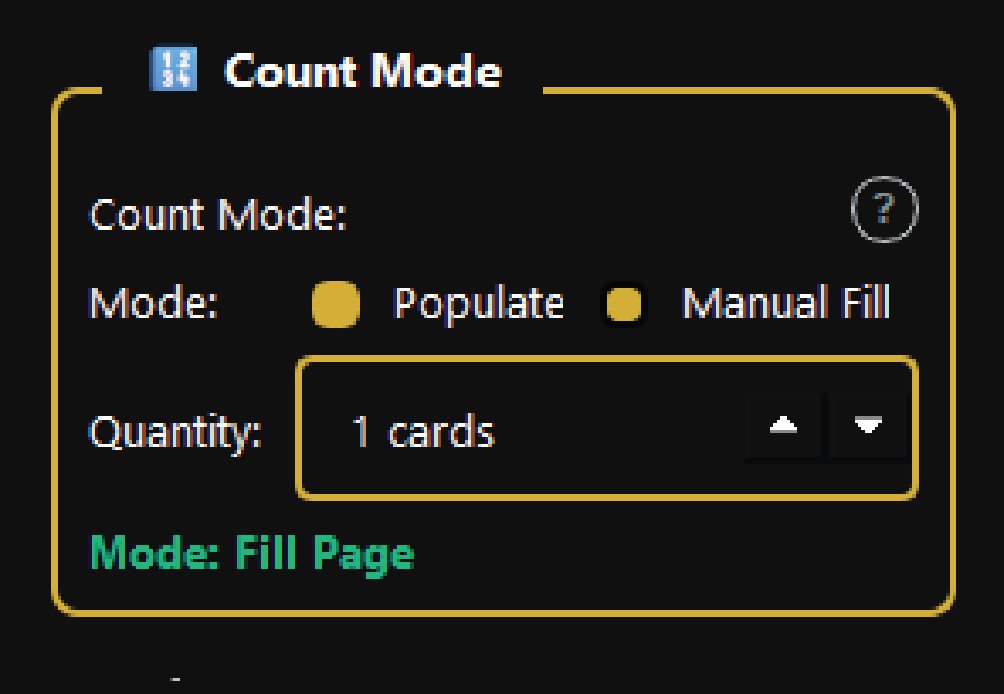
Count Mode
Precise control over quantity per sheet
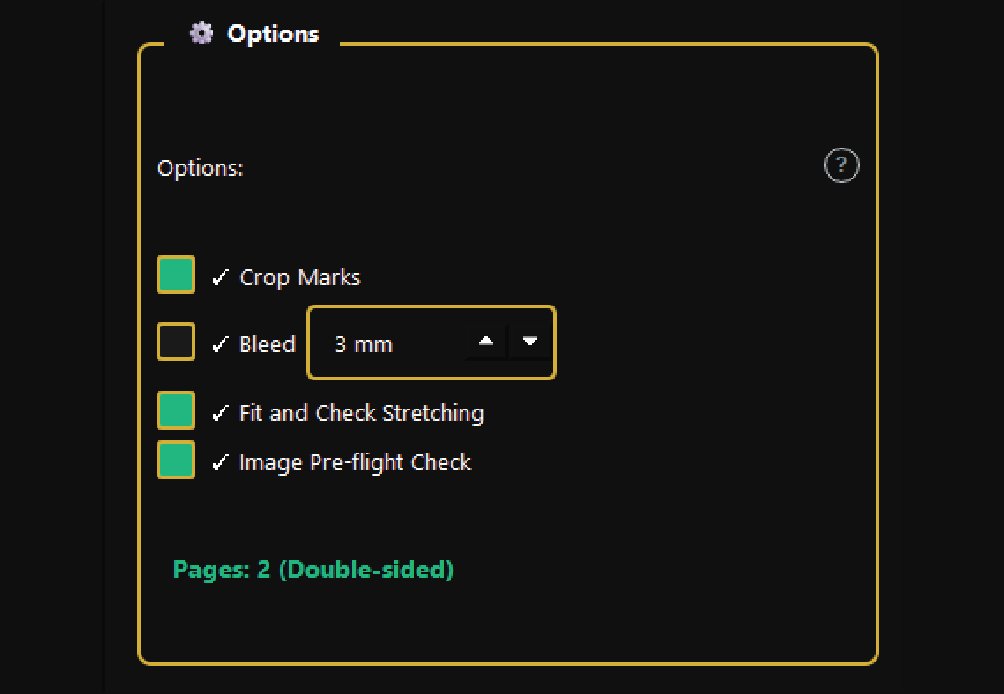
Advanced Options
Fine-tune printing and export parameters
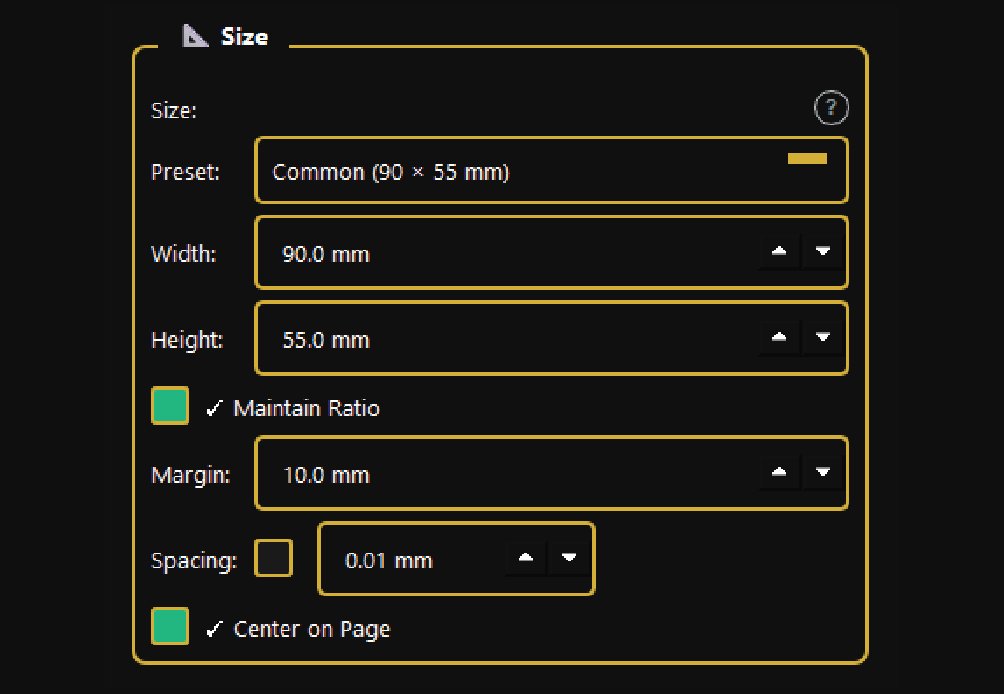
Size Configuration
Set exact card dimensions and layout rules
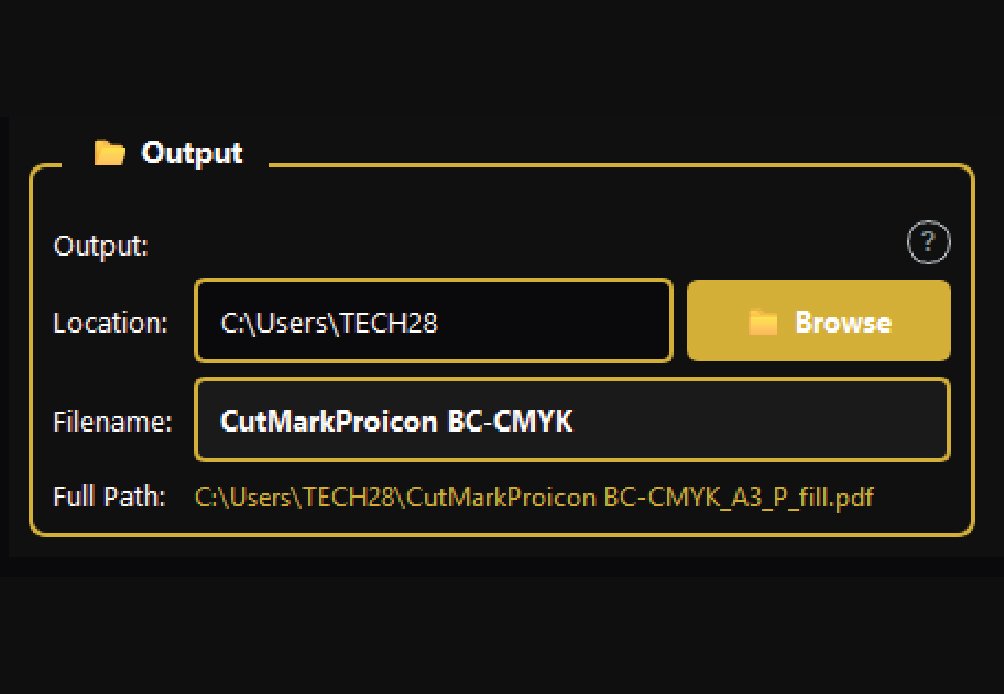
Output Settings
Configure destination and file naming
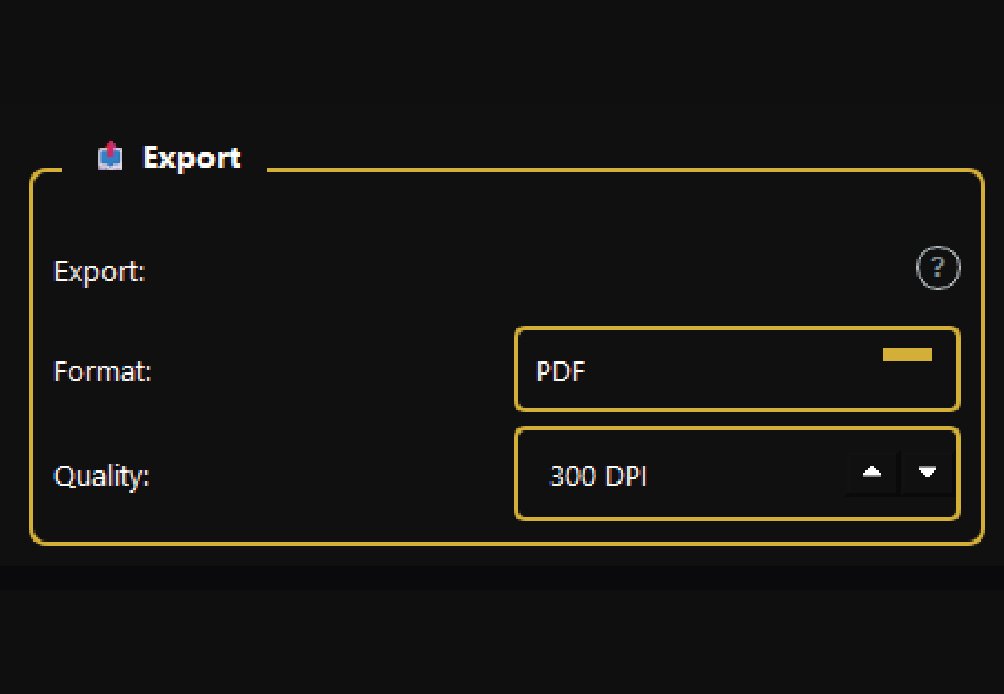
Format Export
Choose output format and compression quality
What Can You Create?
Perfect for a wide variety of print products and materials.
Business Cards
Standard, EU, US & fully custom sizes
Stickers & Labels
Round, square, and custom die-cut shapes
Flyers & Cards
A4, A5, A6, DL, and other standard formats
Roll Paper
60cm, 90cm, 120cm wide banner formats
Trusted by Print Professionals
Join thousands of satisfied users and print shops worldwide.
"CutMarkPro saved us hours on every job. The crop marks are perfectly aligned and our clients love the professional finish."
"Finally, software that understands print production. The bleed settings are spot-on and the PDF export is lightning fast."
"Worth every penny. The time saved on manual mark placement pays for the license in the first week of use alone."
Frequently Asked Questions
Everything you need to know about CutMarkPro
If you purchased a CutMarkPro license, you need to activate the software using the license information provided with your purchase. If you have purchased the software but have not received your license key, contact support@designersjoint.com with your order details so the support team can assist you.
Open CutMarkPro and go to the License/Activation section. Your Hardware ID is used as part of the hardware-bound licensing process. Provide this information to support when requested for activation assistance.
Make sure you are using the correct license key for your CutMarkPro installation and that you are activating it on the computer associated with the license. If the problem continues, contact support@designersjoint.com with your order information and Hardware ID.
Yes. CutMarkPro currently provides a 14-day free trial. The trial includes the basic functionality, PDF export, a maximum of 50 cards per sheet, and a watermark on exports.
The trial provides 14 days of access to the basic functionality. To continue using the full professional feature set and export options without the trial limitations and watermark, purchase and activate a license.
The Professional license unlocks all features, export formats, unlimited cards per sheet, roll-paper support and removes watermarks. Enterprise includes those features plus priority support, a commercial license, multi-device activation and early-access updates.
The Enterprise license includes multi-device activation. If you need to use CutMarkPro across multiple computers, Enterprise is the appropriate license according to the current licensing information.
The current version supports Windows 10 and Windows 11. The official website says macOS and Linux versions are being worked on.
Yes. CutMarkPro can automatically arrange business cards on a sheet and add professional crop and bleed marks. It supports standard US, EU and custom business-card sizes.
Yes. CutMarkPro supports sticker and label layouts, including round, square and custom shapes, together with cutting guides and bleed settings.
Yes. CutMarkPro is designed for labels and other print products where multiple designs need to be arranged efficiently on a sheet.
Yes. CutMarkPro supports common sizes such as A4, A5, A6 and DL, making it suitable for flyers, cards and other printed materials.
Yes. Roll-paper support is available in the full version, with support for sizes including 60 cm, 90 cm and 120 cm roll widths.
Crop marks are guides printed around an artwork to show where the finished piece should be cut. CutMarkPro automatically generates precision crop marks to make trimming easier and more accurate.
Bleed extends artwork beyond the final cutting area. It helps prevent unwanted white edges when the printed material is trimmed. CutMarkPro provides bleed settings as part of its print-layout workflow.
Yes. CutMarkPro includes customizable layout controls for spacing and margins, allowing you to optimize how designs are arranged on the selected paper.
Yes. The software's Smart Layout functionality automatically arranges designs, while the full license removes the trial's 50-card-per-sheet limitation.
Yes. CutMarkPro provides a Live Preview so you can inspect the layout, spacing, bleed areas and marks before generating the final output.
Yes. CutMarkPro supports custom sizes as well as predefined sizes for products such as business cards, stickers, labels and flyers.
CutMarkPro's workflow supports uploading design files for front and back artwork, making it suitable for imposing double-sided business cards.
CutMarkPro supports importing and exporting PDF, PNG, JPEG, and TIFF formats. All exports maintain high resolution (up to 600 DPI) suitable for professional printing.
Yes! Download our fully-functional 14-day free trial. No credit card required. The trial includes all basic features with PDF export only and a small watermark.
CutMarkPro is available for Windows 10/11. We're working on a macOS 10.15+ and Linux version – sign up for our newsletter to be notified when it launches.
Absolutely. The Professional and Enterprise licenses include commercial use rights. You can use CutMarkPro for client work, print shops, and business applications.
Yes. CutMarkPro supports standard US and EU business-card dimensions, as well as custom sizes.
Yes. CutMarkPro is specifically marketed toward print shops and designers and is designed to automate repetitive imposition and crop-mark tasks.
Yes. Its Smart Layout feature automatically arranges designs according to the selected size, spacing and margins, reducing the need to manually position every item.
Yes. CutMarkPro provides customizable margins as part of its layout controls.
Yes. Automatic precision crop marks are one of CutMarkPro's core features.
Yes. CutMarkPro includes bleed settings so you can prepare artwork for professional trimming and finishing.
The watermark is a limitation of the free trial. The trial provides basic features and PDF export but places a watermark on exports. A full license removes the watermark.
The current trial is limited to PDF export. The Professional and Enterprise licenses unlock the additional export formats.
Roll-paper support is not included in the trial. It becomes available with the full Professional or Enterprise version.
The 50-card limit applies to the free trial. The Professional and Enterprise licenses provide unlimited cards per sheet.
Yes. CutMarkPro supports high-resolution output of up to 600 DPI, depending on the selected export format and settings.
Before exporting, check the paper size, artwork dimensions, bleed, margins, spacing, quantity and output resolution. Use the Live Preview to confirm the final layout before generating the production file.
Increase the bleed around the artwork and confirm that the crop marks and final trim dimensions are correct. Bleed provides additional artwork beyond the final cutting boundary.
This can happen when artwork does not extend far enough beyond the final trim area. Make sure an appropriate bleed is applied before exporting.
Yes. The official feature list includes support for custom sticker shapes in addition to round and square stickers.
Yes. Custom sizes are supported, allowing you to configure the dimensions according to the label or product you are producing.
Yes. CutMarkPro includes roll-paper support for banner production, including 60 cm, 90 cm and 120 cm widths in the full version.
The software is designed to create an imposed print layout from your supplied artwork. Keep your original design files backed up separately so that you always have an untouched master copy.
Yes. PDF is one of the supported input formats and can also be used as an output format.
Yes. PNG is supported as an input format, making it suitable for artwork supplied with transparency.
We offer comprehensive documentation, video tutorials, and email support. Enterprise license holders receive priority support with guaranteed 24-hour response times.
Choose Your License
Flexible, transparent pricing for every stage of your business.
Trial
- All basic features
- PDF export only
- Max 50 cards/sheet
- No roll paper sizes
- Watermark on exports
Professional
- All features unlocked
- All export formats
- Unlimited cards/sheet
- Roll paper support
- No watermarks
Enterprise
- Everything in Professional
- Priority support
- Commercial license
- Multi-device activation
- Early access updates
Ready to Transform Your Print Workflow?
Download CutMarkPro today and start producing flawless, print-ready files in seconds.